
Simple utilities designed to solve real problems.
No cloud. No subscription. Your files stay on your computer.
 Timely
Timely is an offline file search and organization tool for Windows. It helps you find documents, photos, and other files using dates, metadata, and advanced filters.
Try Timely FreeRequires Windows 10 or later
You wrote an article months ago.
You remember:
"I wrote it around November last year."
But you forgot the filename and keywords.
With Timely:
Time: November 2025
File type: Documents
Then refine the results.
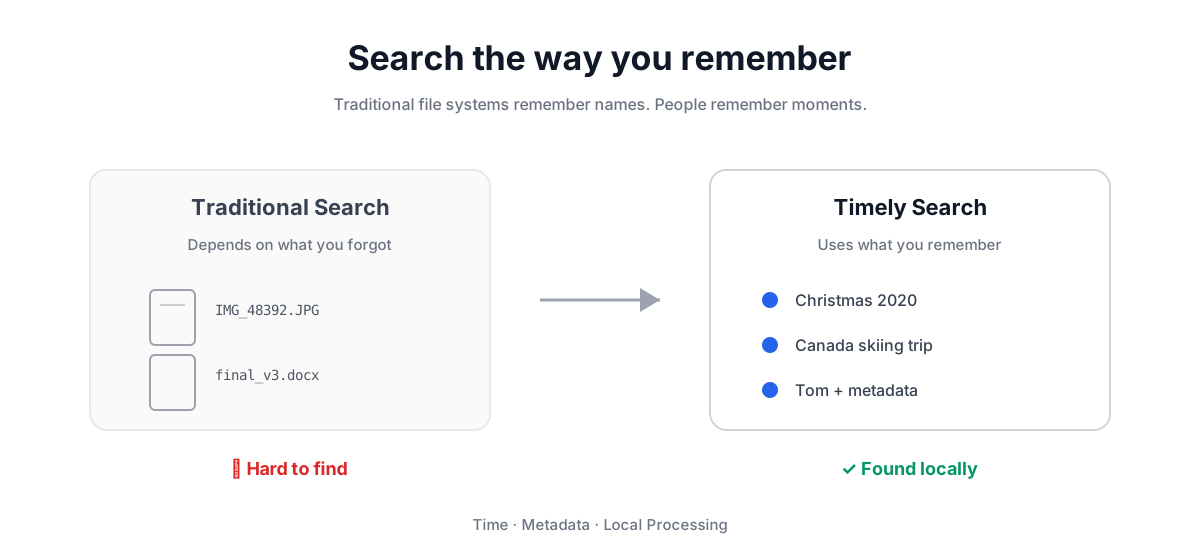
You remember:
"Christmas skiing trip with Tom in Canada five years ago."
Search:
Date: Christmas period
Metadata: Canada Skiing Tom
One-time purchase.
Includes software access and one activation.
No subscription.
Learn MoreTimely includes a 3-day full-feature trial. Test all functions before deciding.
Download TimelyWindows application. Please review the license information before installation.
No. Timely works locally on your computer.
No. Timely uses a one-time purchase model.
Timely provides documentation and FAQ. Individual technical assistance is not included.
If your activation remains valid and your hardware environment does not change, Timely can continue working without a subscription.